
LearnWise changelog
Release of May 26th 2025
✨ New Features
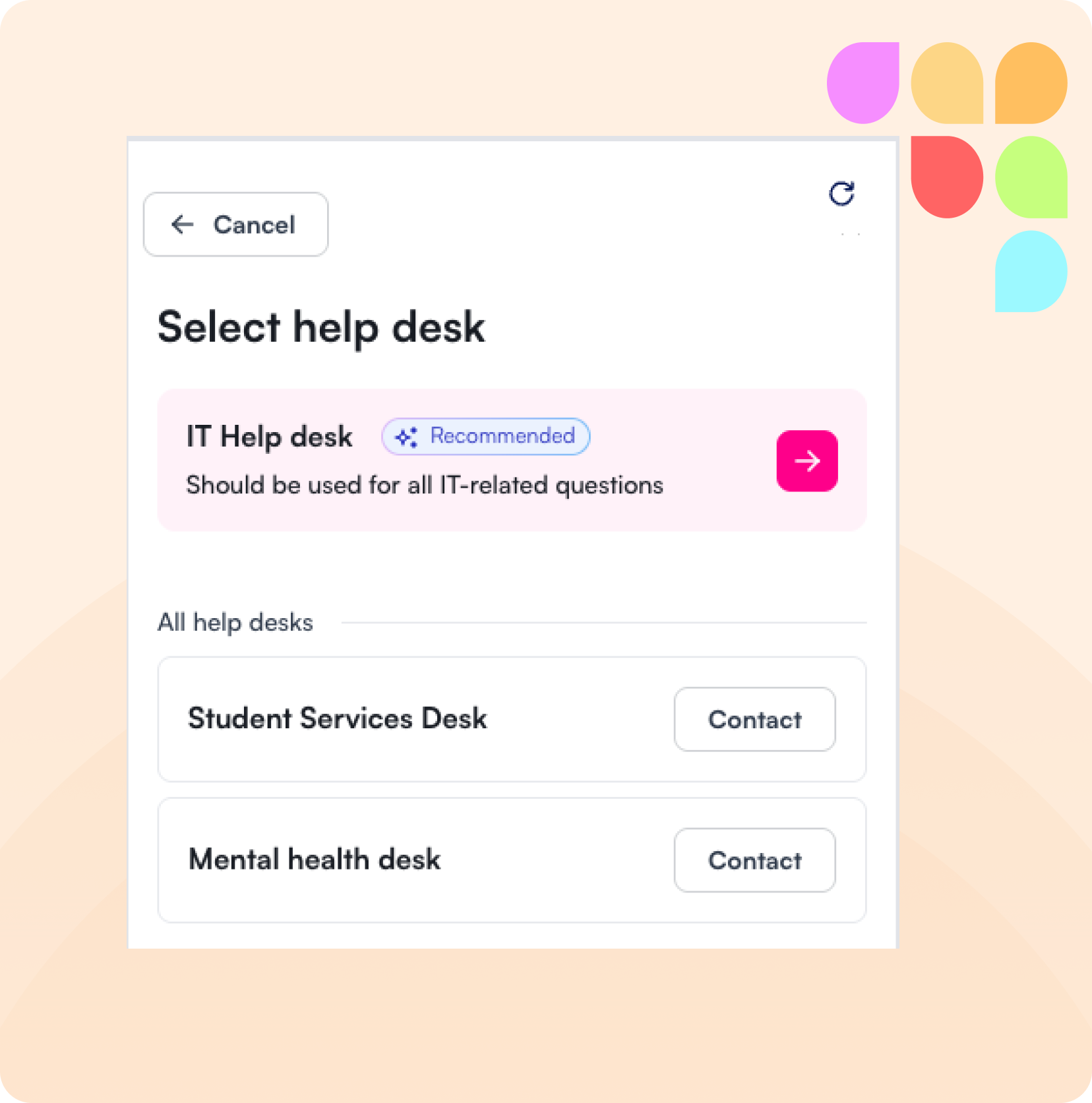
☎️ Recommended Helpdesk Routing
We've introduced a smarter escalation experience: when a user escalates to a human, LearnWise now automatically recommends the most relevant helpdesk based on the conversation context. This ensures users get the right support, faster.
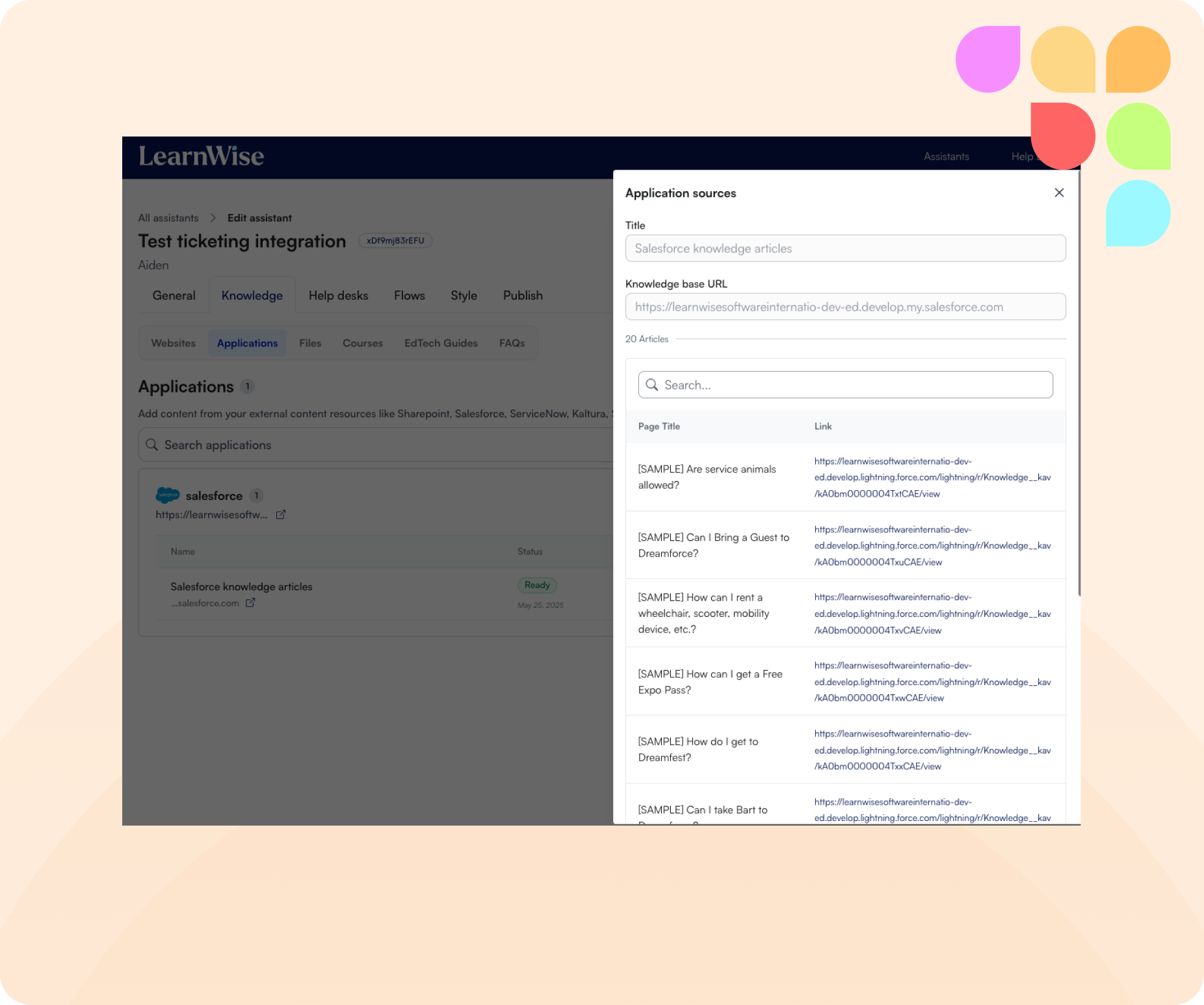
🔗 View Pages from External Applications
LearnWise now lets you view all pages retrieved from connected external applications. This added transparency helps you understand exactly where the AI assistant sources its knowledge—making it easier to review, refine, and enhance your content as needed.
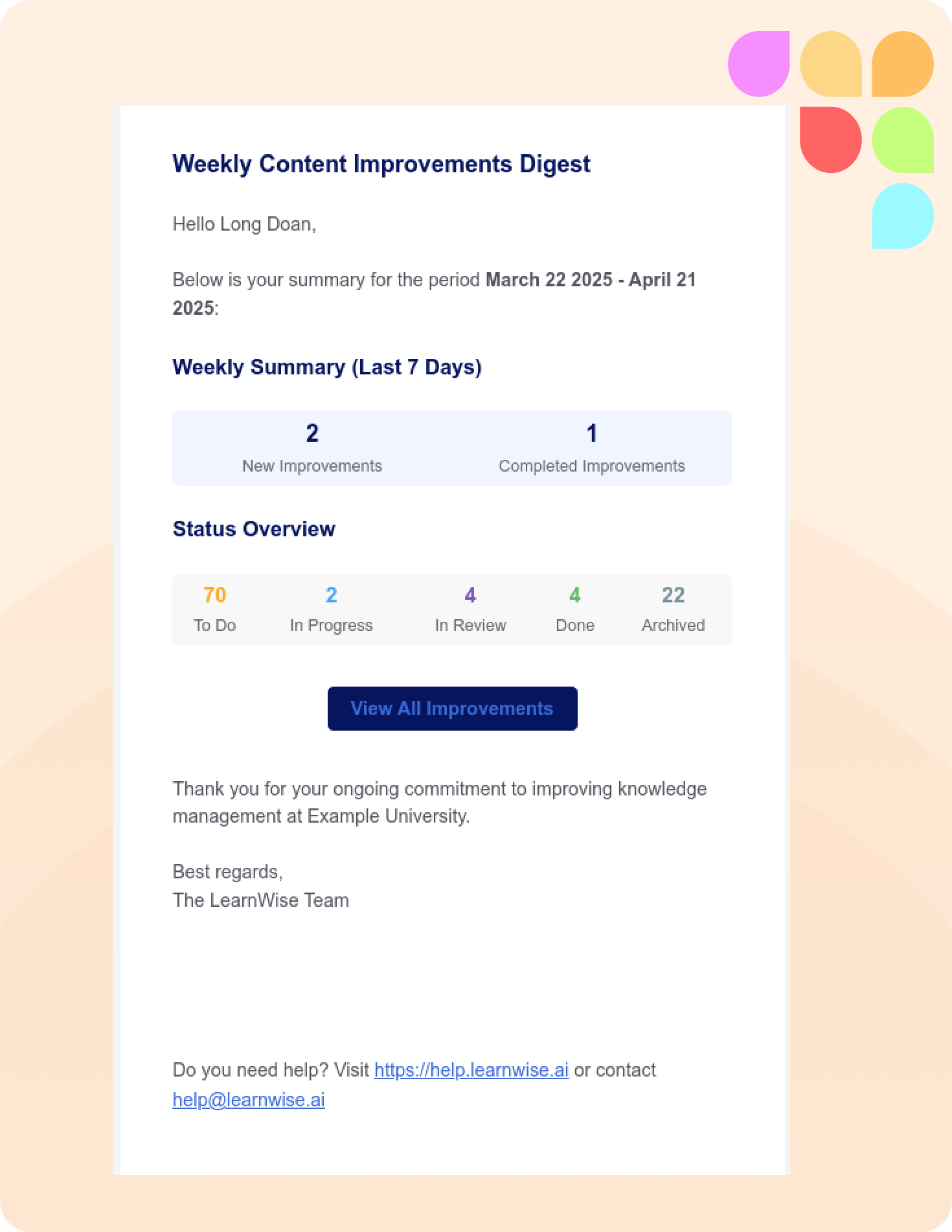
📬 Weekly Digest Notifications
You can now enable digest notifications in LearnWise! When toggled on, all registered admins will receive a weekly email summarizing progress across improvements—what’s resolved, what’s outstanding, and where attention is needed. A helpful nudge, straight to your inbox.
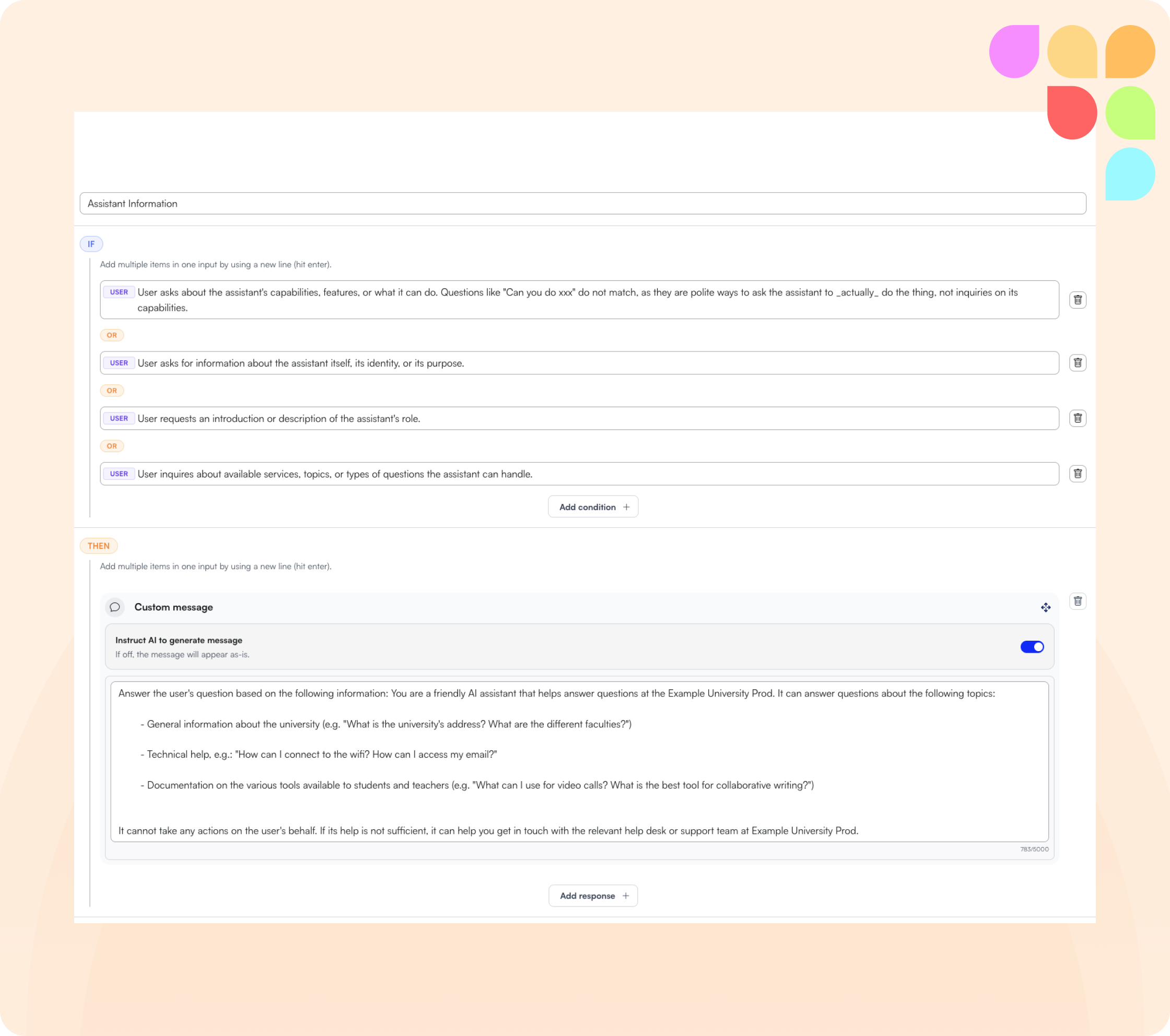
🔃 Assistant information: Flow
We've introduced a default flow that explains who the assistant is and what it can help with—giving users a clear understanding of its capabilities. It can't be deleted or disabled, but it's fully customizable, giving you more control over how it responds while ensuring a consistent and helpful first impression.
😇 Expanded Halo Integration
In addition to connecting your Halo knowledge base, LearnWise now integrates with Halo's ticketing system. Students and faculty can escalate tickets directly from LearnWise into Halo, with customizable pre-filled fields—creating a seamless, end-to-end ticketing experience.
🛠️ Improvements
🧭 Smarter Inbox Filters
Inbox filtering just got more intuitive. Filters now cascade—selecting one (like a specific assistant) automatically narrows down the remaining options to only what's relevant. This reduces clutter, cuts down on scrolling, and helps you find what you need faster.
🪳Bug Fixes
📊 Improved Trend Report Handling
While trend reports are generating, actions like delete or download are now temporarily disabled. This prevents issues with blank downloads or accidental deletions, ensuring reports are only accessible once fully processed and ready to go.