

Release of September 15th, 2025
✨ New Features
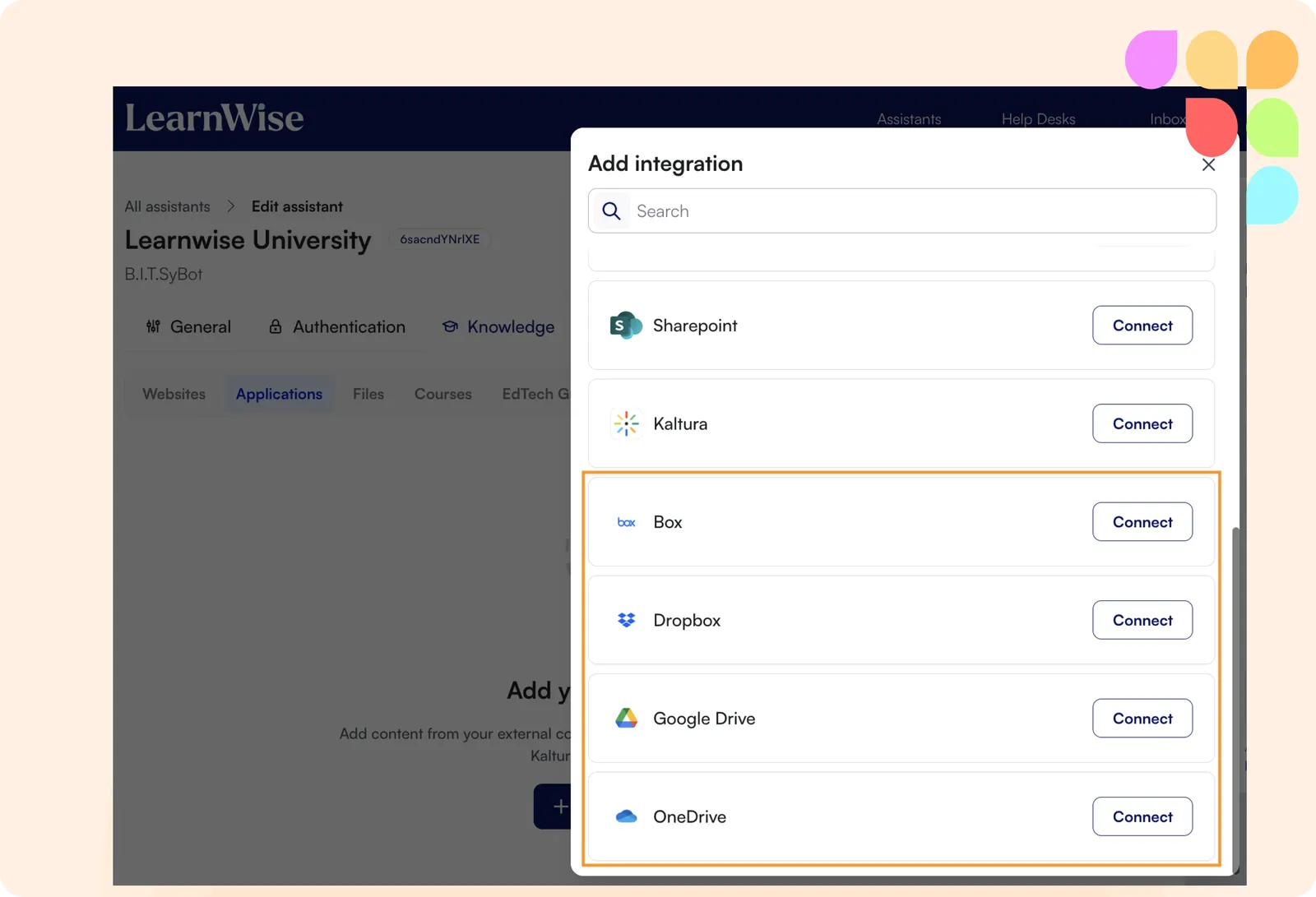
Knowledge base expansion: File storage integrations
Broaden your knowledge base with new Dropbox, OneDrive, and Google Drive integrations. Easily bring in files like PDFs, PowerPoints, and Word docs, and organize them with folder navigation and filtering.
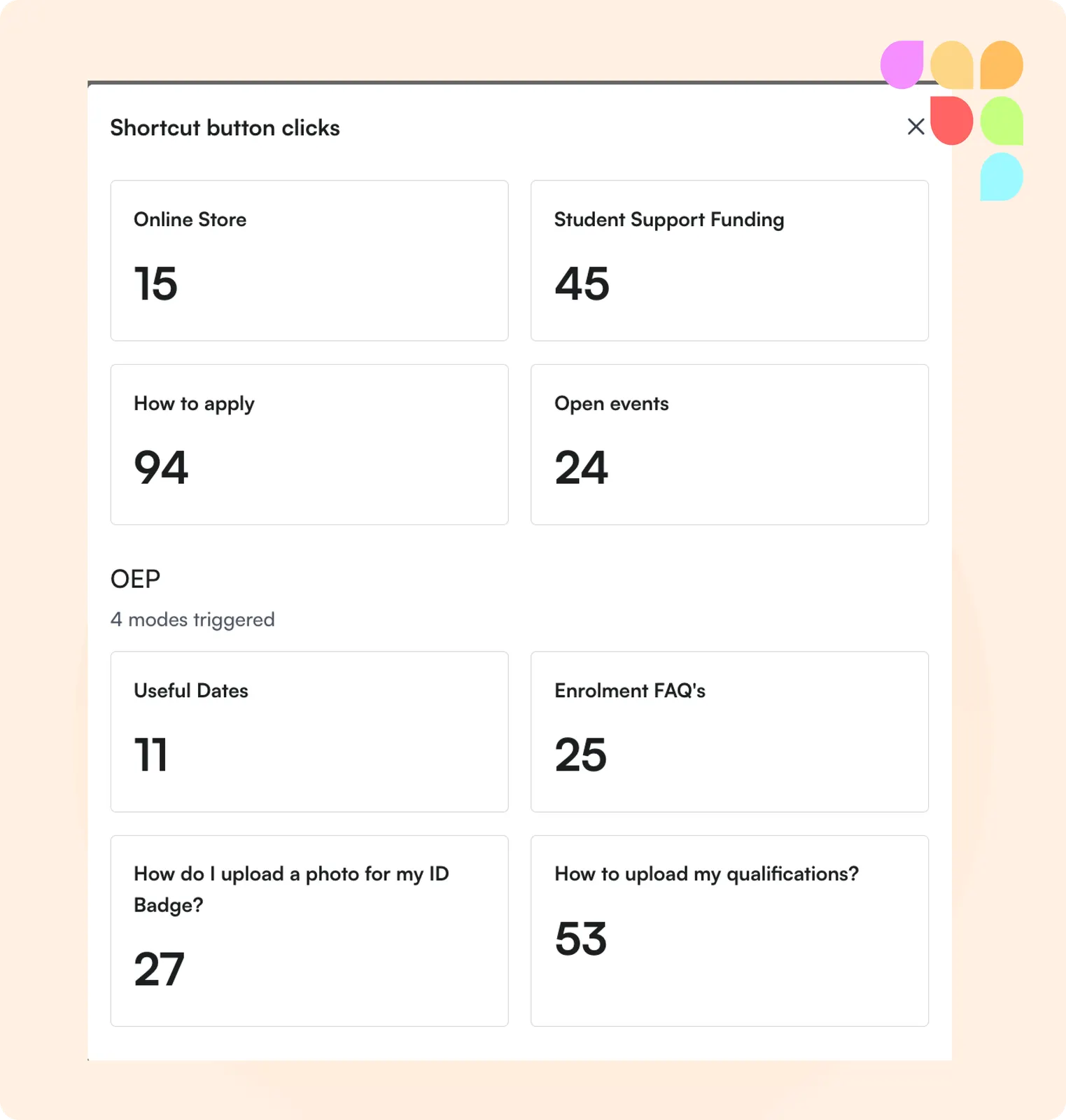
Short-cut button insights
You can now track which shortcut buttons your students are clicking, giving you more granular insights. This helps you understand which buttons add the most value and when it’s time to refresh them for maximum impact.
🛠️ Improvements
Control cross-course access
You can now upload a CSV to define which courses LearnWise is available in for cross-course capability, giving you more control without limiting deployment across courses.
Improvement management made easier
You can now filter improvements per assistant, making it easier to identify and manage updates—especially when different departments are responsible for different assistants.
🪳Bug Fixes
Screen reader support
Screen reader users will now correctly see the assistant’s answers, instead of the disclaimer.