
LearnWise changelog
Release of November 10th, 2025
✨ New Features
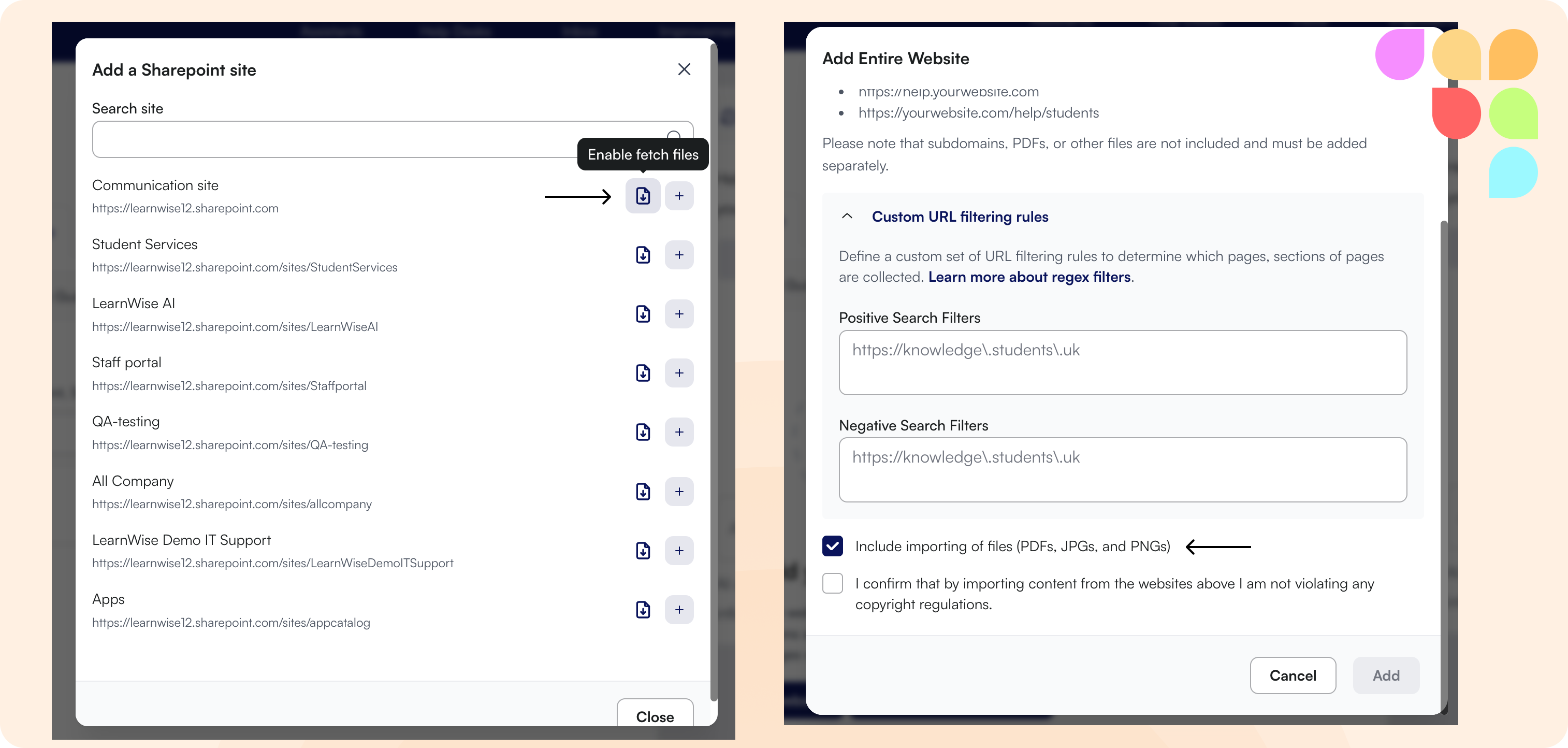
📁 Fetch Files from Knowledge Sources
You can now retrieve files linked within knowledge articles from integrations like SharePoint, ServiceNow, Salesforce, websites, and webpages. When adding or managing knowledge sources, toggle "Fetch Files" to automatically include linked documents, PDFs, and other files alongside the main content. This ensures your assistant has access to complete information from your knowledge base.
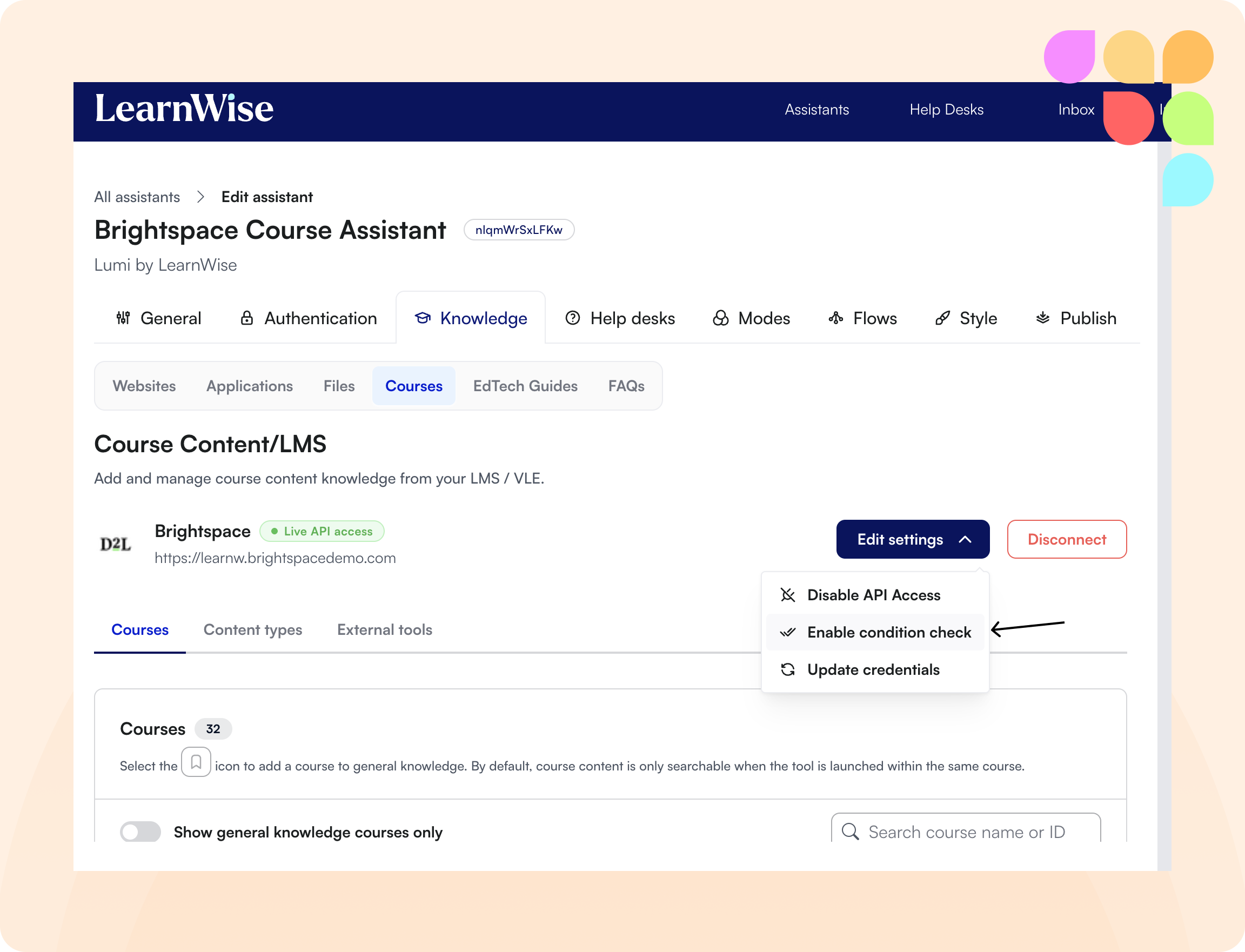
🎯 LMS Content Access Control
Course Content integration for Canvas and Brightspace now evaluates individual user access to restricted content. Students only see content they have permission to access based on prerequisites, module requirements, and release conditions configured in your LMS. Administrators can enable or disable this access checking when connecting their LMS or by editing the settings.
🛠 Improvements
⚡ Faster Search Performance
Reranker optimization has reduced search response times, delivering more relevant results faster when your assistant searches knowledge bases.
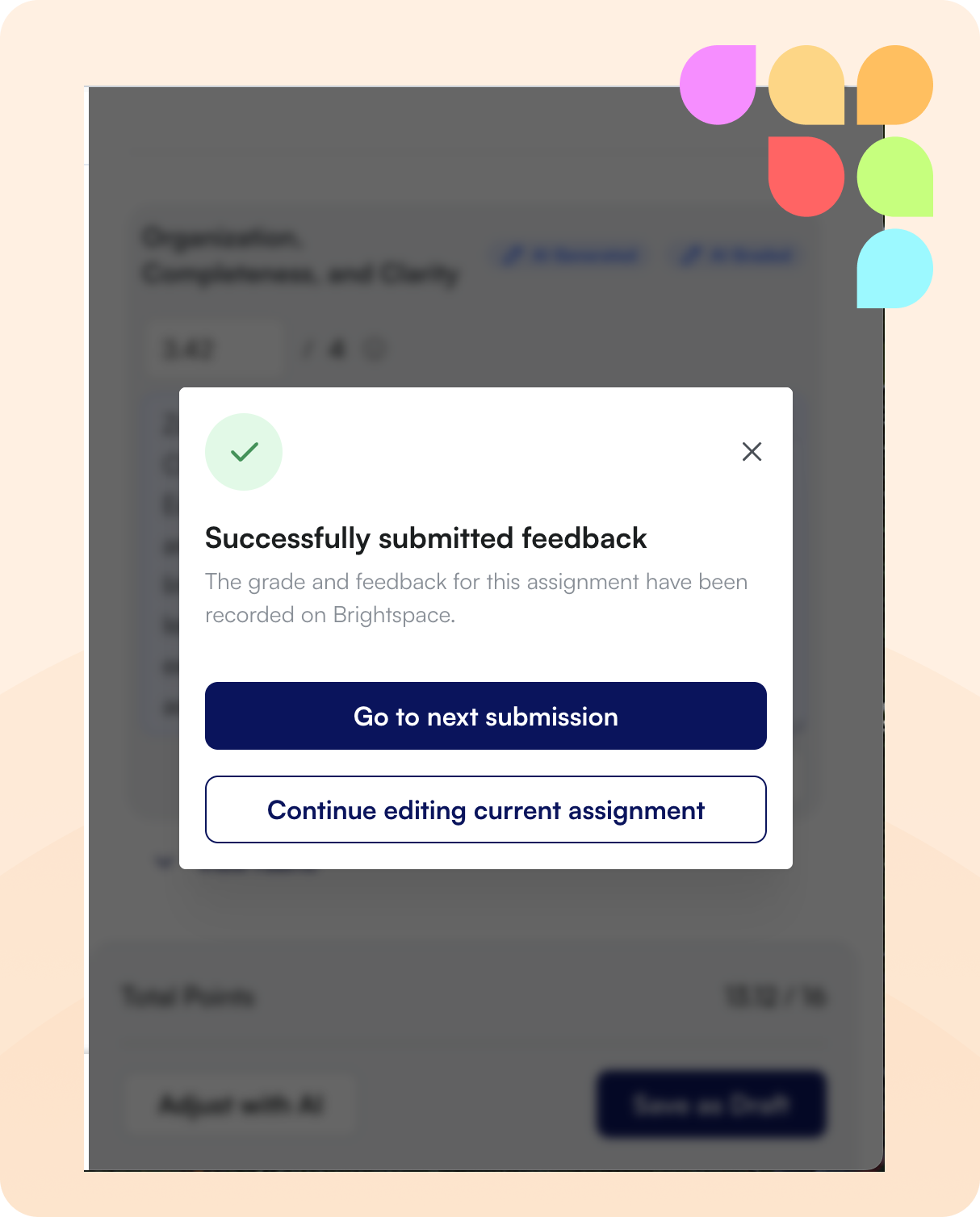
📝 Feedback Submission Clarity
After generating and submitting feedback in the AI Feedback tool, you'll now see a clear confirmation that your feedback was submitted successfully, eliminating confusion about whether the action completed.
📊 Enhanced Kaltura Management
Kaltura videos can now be sorted by name in the add content modal and category filtering has been improved.
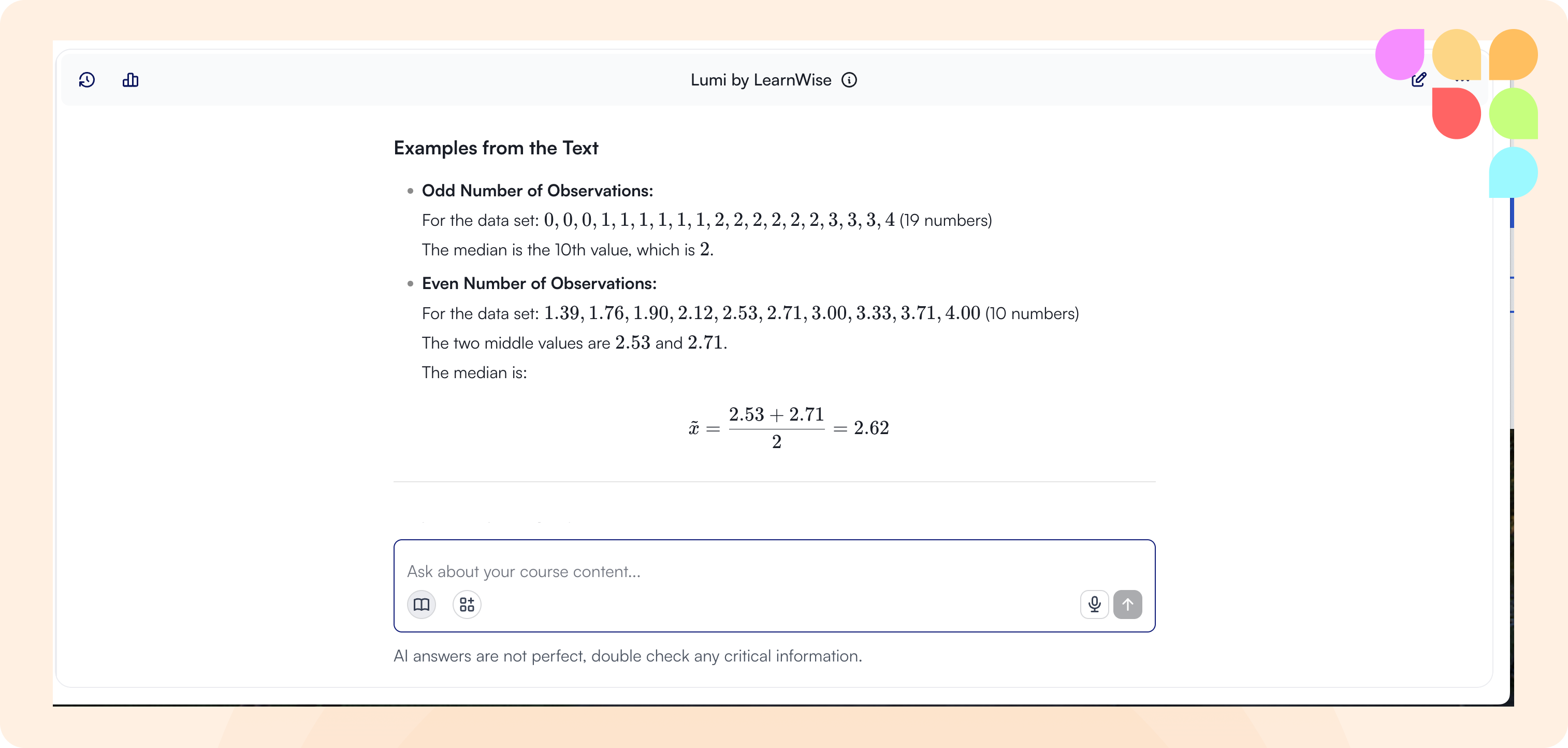
📐 Improved Math Display
LaTeX mathematical expressions now render correctly in chat, inbox, and improvements. Complex formulas and equations display properly throughout the platform.
🖱️ Better Chat Scrolling
You can now scroll up through chat history while an answer is streaming, and the chat no longer jumps to the top unexpectedly after receiving responses.
📄 Assistant Descriptions
Assistant descriptions now display correctly on the main assistants page and are properly saved when creating new assistants.
💬 Enhanced Flow Instructions
Custom instructions in flows can now handle up to 20,000 characters, allowing for more detailed guidance in specific conversation scenarios.
🔐 External Link Safety
When clicking links that take you outside of LearnWise, you'll now see a warning page that helps you verify the destination is safe before proceeding. This protects you from phishing attempts and malicious sites by giving you a chance to check the URL and confirm you trust the destination.