
LearnWise changelog
Release of March 24th, 2026
✨ New Features
Feedback & Grader
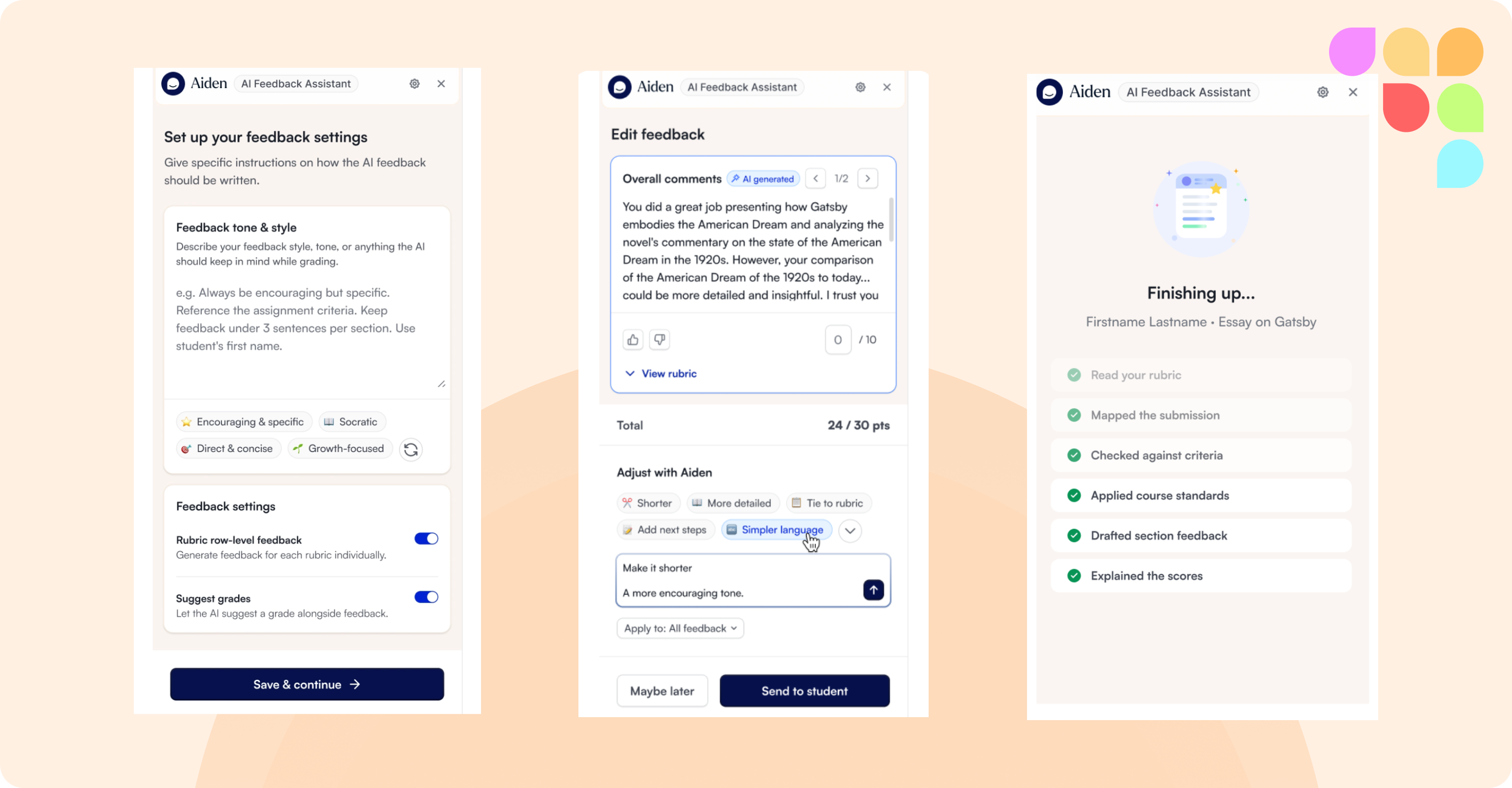
The feedback pipeline has been rebuilt from the ground up. The AI now analyses each part of a submission individually, producing more specific feedback and more accurate grading suggestions. Generation is faster on average, as the tool starts preparing in the background before the teacher opens it. Teachers set their personalization preferences once on first launch and they apply to all future sessions. Video and multi-file submissions are now supported.
📄 “What is AI Feedback & Grader?”
📄 “How should instructors use AI Feedback & Grader?”
Note: The latest version of Feedback & Grader is rolling out gradually. Your Customer Success contact will confirm when it's available for your institution.
Admin Dashboard
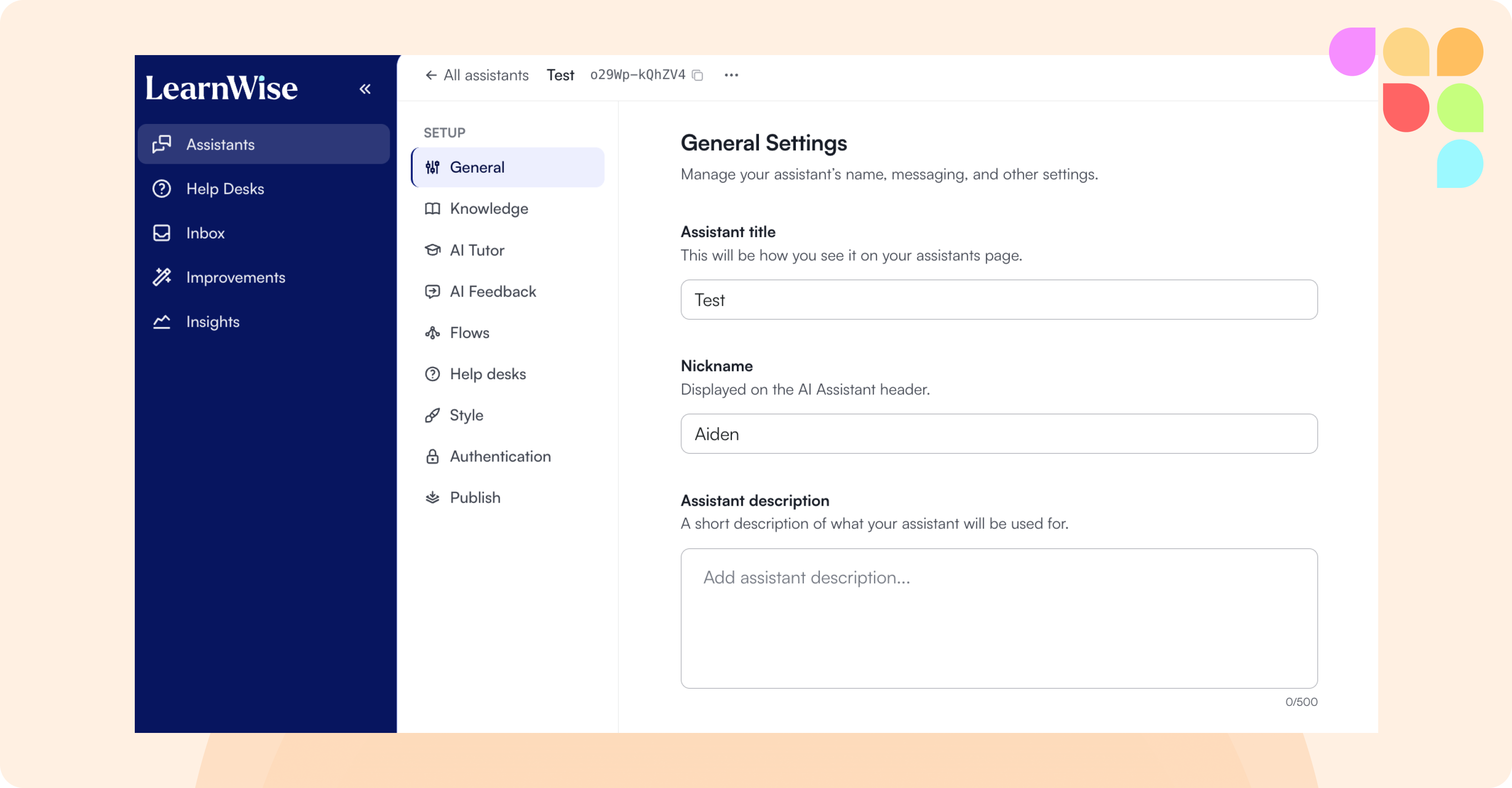
The LearnWise admin panel now has a new sidebar navigation and cleaner layout. Within each assistant, Study Mode and H5P settings have moved to a dedicated AI Tutor tab and AI Feedback now has its own tab, replacing the old Modes section. Cross-course settings now live under Knowledge, and the LearnWise help assistant is accessible from directly within the panel.
LMS Integrations
LMS credentials (Canvas, Moodle, etc.) can now be set up once at organization level and reused across multiple assistants, rather than configured separately for each one.
Chat & Cross-Course
Students using LearnWise in MS Teams or Blackboard can now ask questions across all their enrolled courses in a single conversation. Course context is clearly shown when the assistant hands a conversation to a more specialized assistant.
🛠 Improvements
Helpdesk & Escalation
Admins can now choose which specific team or queue a ticket goes to when setting up an escalation to Freshdesk, ServiceNow, or HubSpot.
Knowledge Sources
Admins can now add or remove individual pages from an existing web knowledge source without deleting and re-configuring it. Fetch files sources now show which files have been found so admins can choose what to include.
Language Support
French (France), German, and Japanese are now available as chat UI languages.