
LearnWise changelog
Release of April 7th, 2026
✨ New Features
Agentic Search — Generally Available
LearnWise now reasons through questions before responding. Rather than retrieving the closest-matching answer, the assistant breaks down each query, evaluates context, runs multiple search passes, and builds a response step by step.
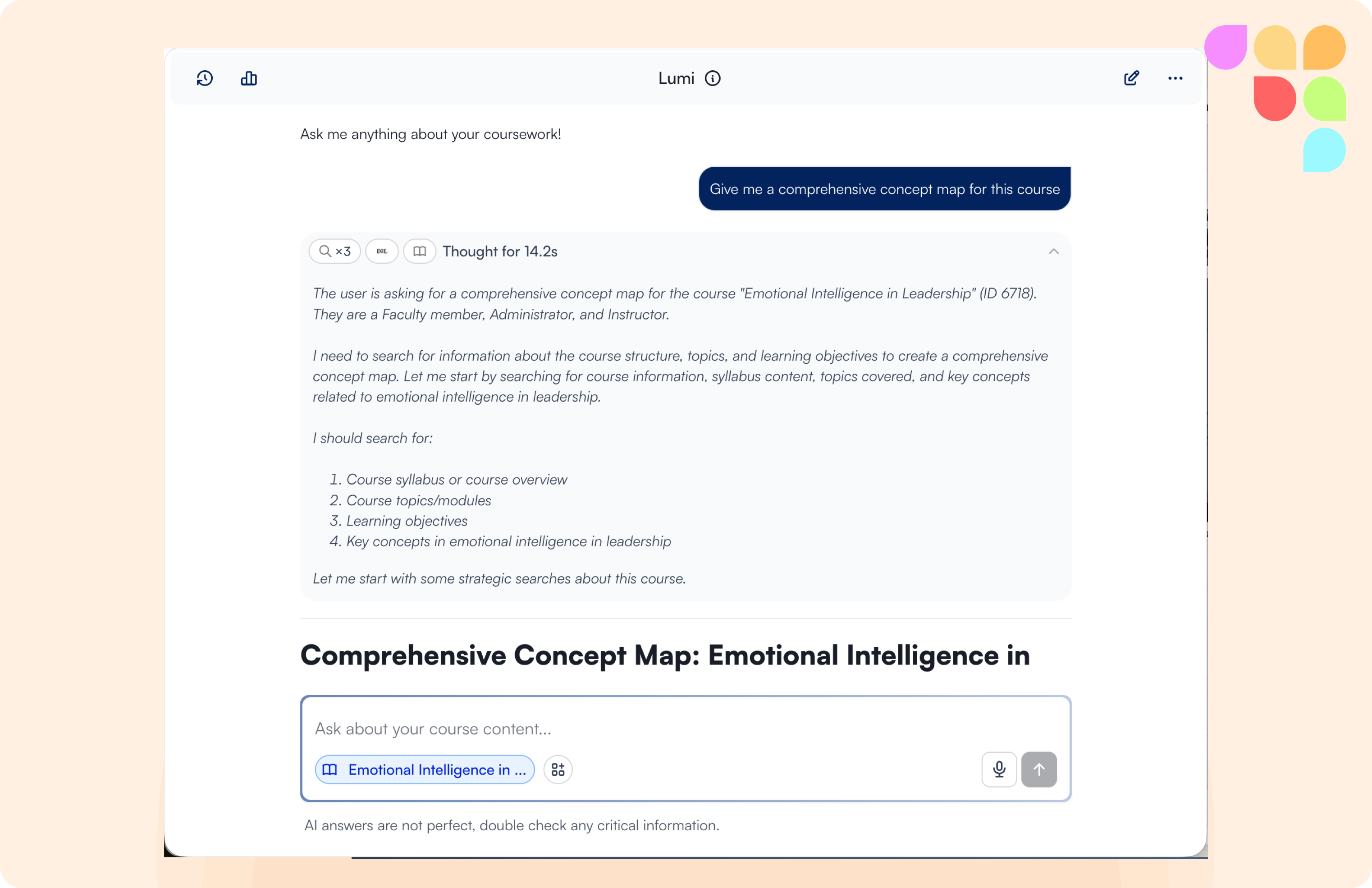
What's changed:
Transparent reasoning — The assistant shows the search steps it took and the logic behind its answer, visible to users directly in the chat.
Better intent resolution — Vague or layered questions are worked through using conversation context (course, prior messages, likely intent) before a response is generated, reducing generic answers.
More concise responses — Average response length has dropped from ~1,990 to ~730 characters. More upfront reasoning produces tighter, more direct answers.
Graceful handling of knowledge gaps — Instead of "No sources found", the assistant explains what it found, what's missing, and asks for clarification on ambiguous queries.
Full guardrail compliance — Out-of-scope deflection, enrollment workflows, and academic integrity boundaries are fully upheld
Agentic Search is now the default for all institutions as of April 9th.
📄 “How does Agentic Search work?”
Redesigned Flows — New Layout & Actions
The Flows section has been fully redesigned.
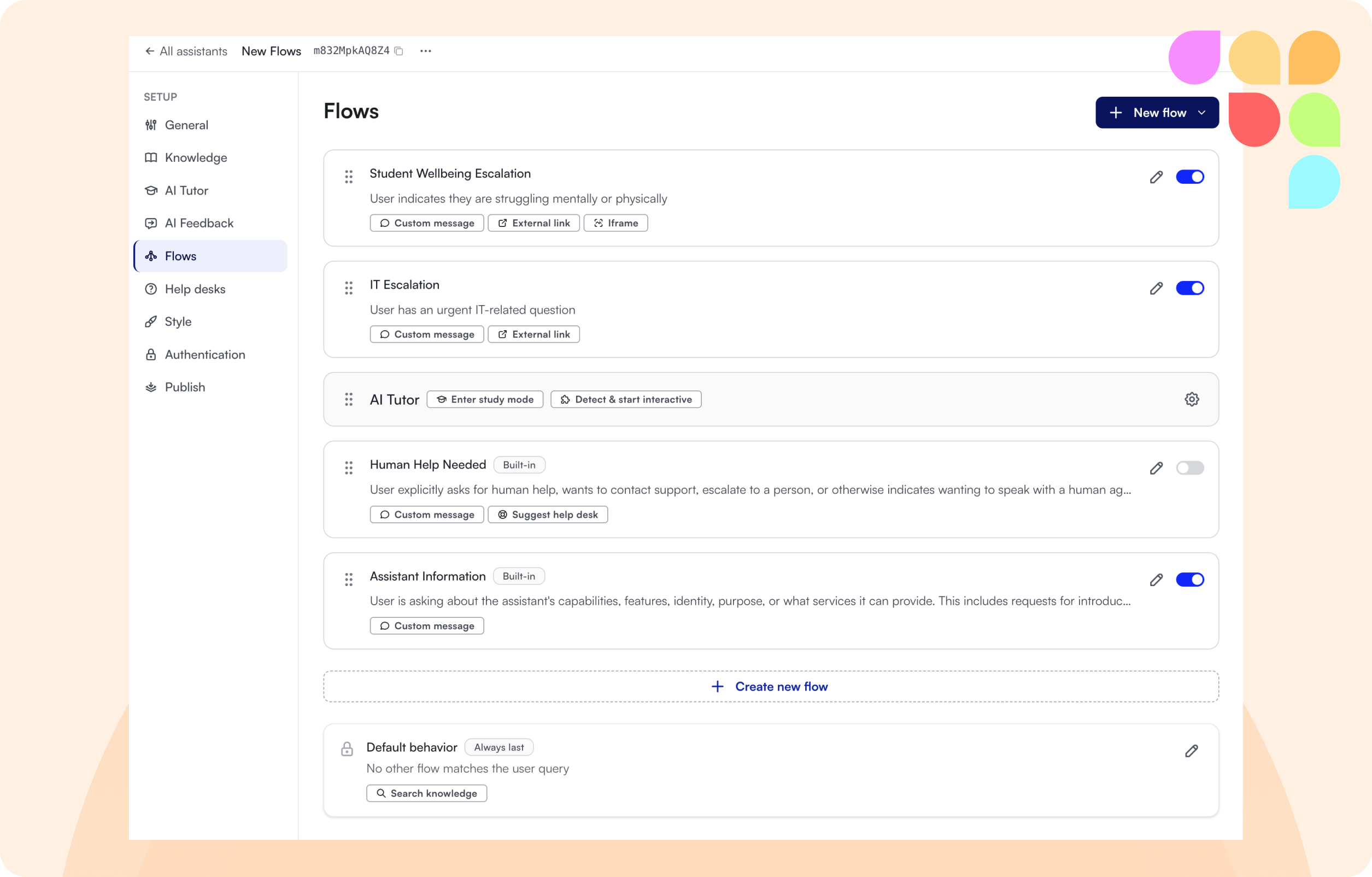
All flows now appear in a single flat list with inline drag-and-drop reordering, replacing the separate Prioritize modal.
New actions are available: Enter Study Mode, Detect and Start Interactive (with auto/manual toggle), and a Follow-up Questions action that supports both AI-generated and manual modes.
The General settings tab has been reorganised into a cleaner Configuration section, and Answering Guidelines has been renamed to Answering Style.
📄 “What are Flows and how can I create & manage them?”
CSAT Ratings & Written Feedback in Admin Inbox
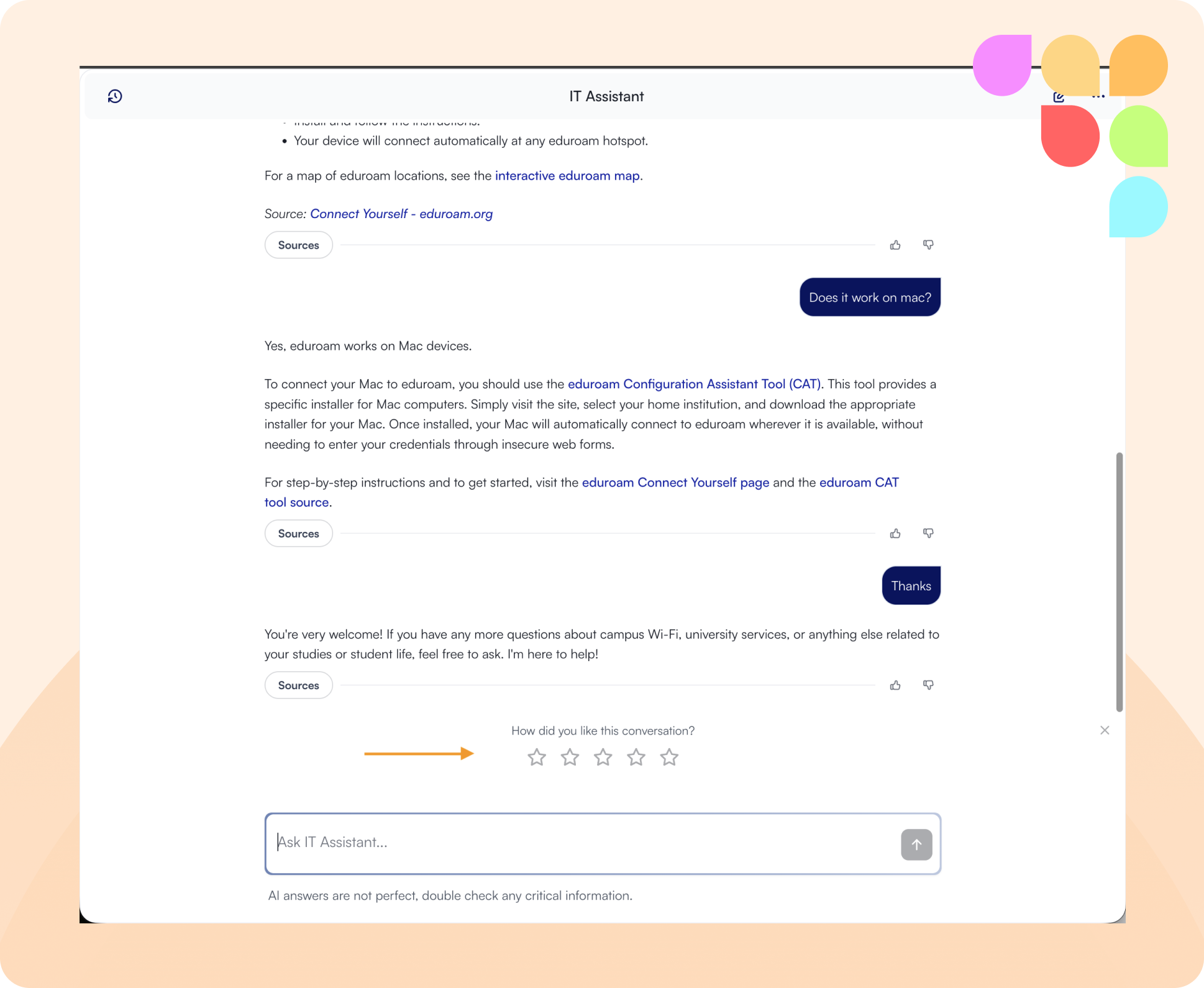
CSAT ratings (1–5) and written user feedback are now surfaced directly in the Admin Inbox, visible on conversation rows in the list view and in full when opening a conversation.
📄 “What is the CSAT survey and where does it appear?”
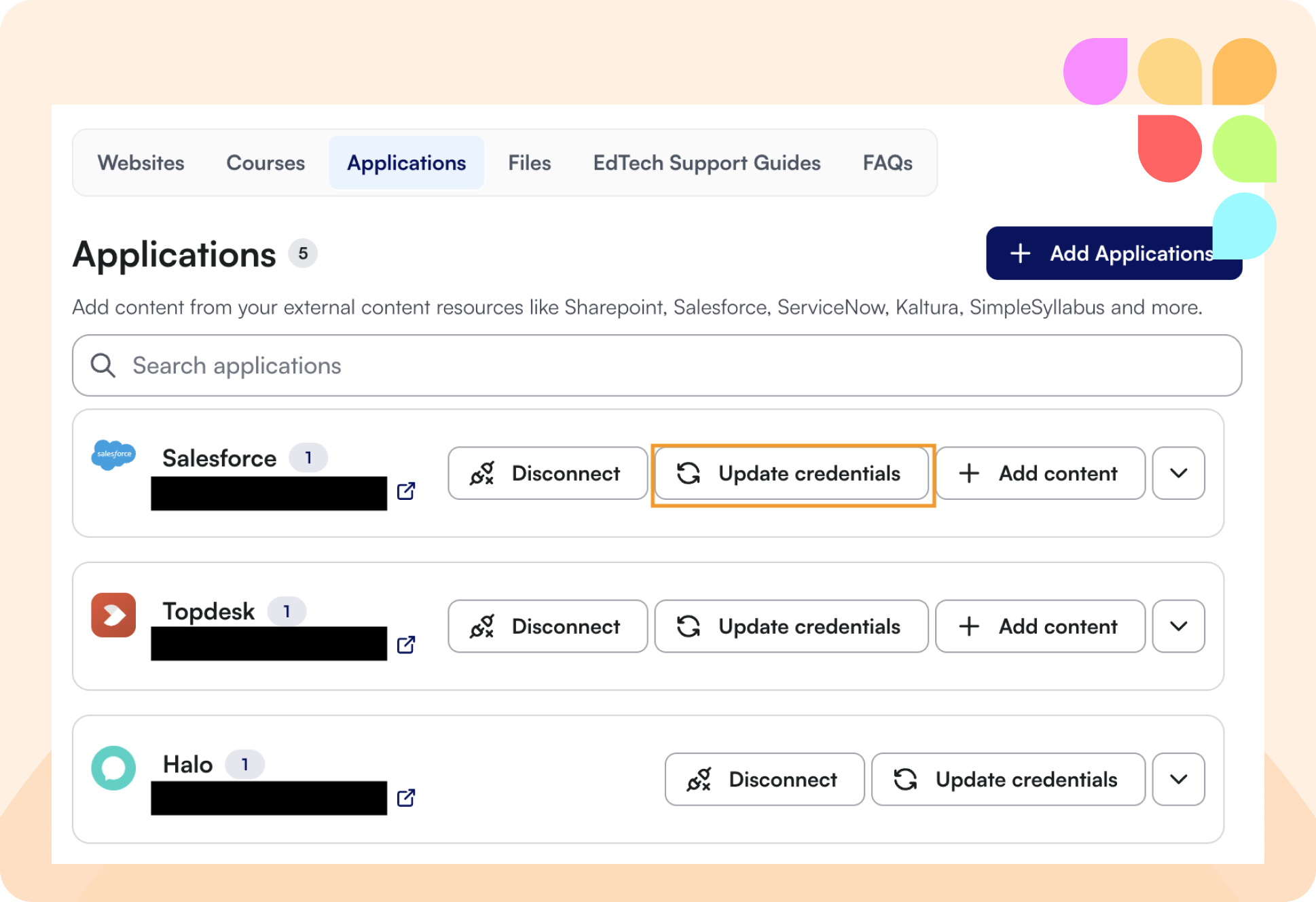
Refresh Credentials for Integrations
Admins can now refresh or update credentials for OAuth-based integrations (e.g. HubSpot, SharePoint, Panopto) directly from the assistant knowledge settings, without needing to reconnect from scratch.
🛠 Improvements
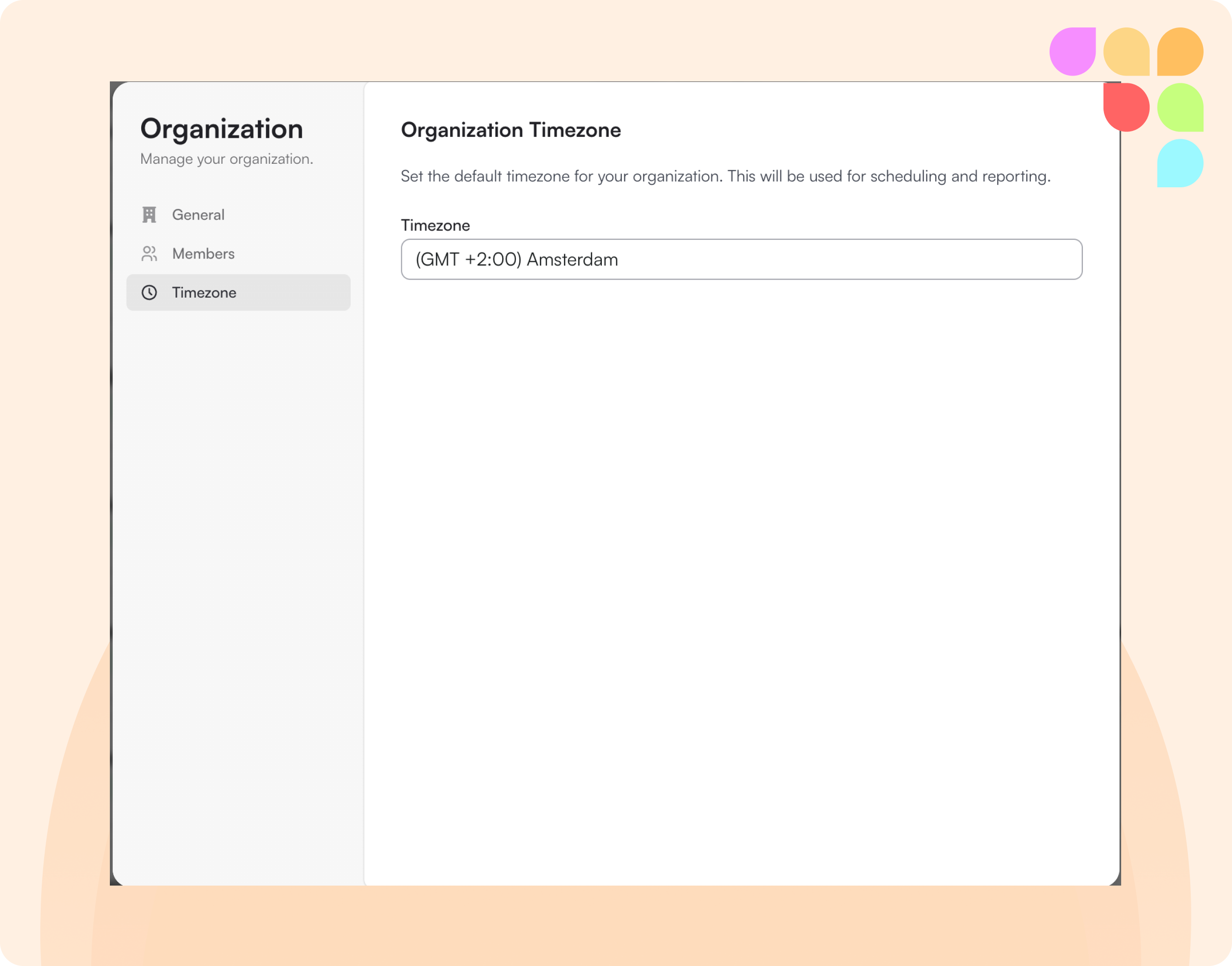
Organization-Level Timezone Settings
Admins can now set and update a timezone for their organization. All timestamps, date filters, and schedules across Insights, Inbox, Feedback, Exports, and Notifications now reflect the org's local timezone. New organizations can select their timezone during onboarding; existing organizations default to UTC.
Expanded Character Limit for Knowledge Base Search Filters
The 300-character limit on positive and negative search filter fields for website knowledge sources has been increased, and the error message now clearly identifies which field is affected.
Required Escalation Fields Now Shown in UI
When an escalation form is connected to an integration with required mapped fields, those fields are now explicitly shown in the admin UI rather than surfacing a generic error message.