Release of November 30th, 2026
✨ New Features
Email Notifications for Admin Alerts
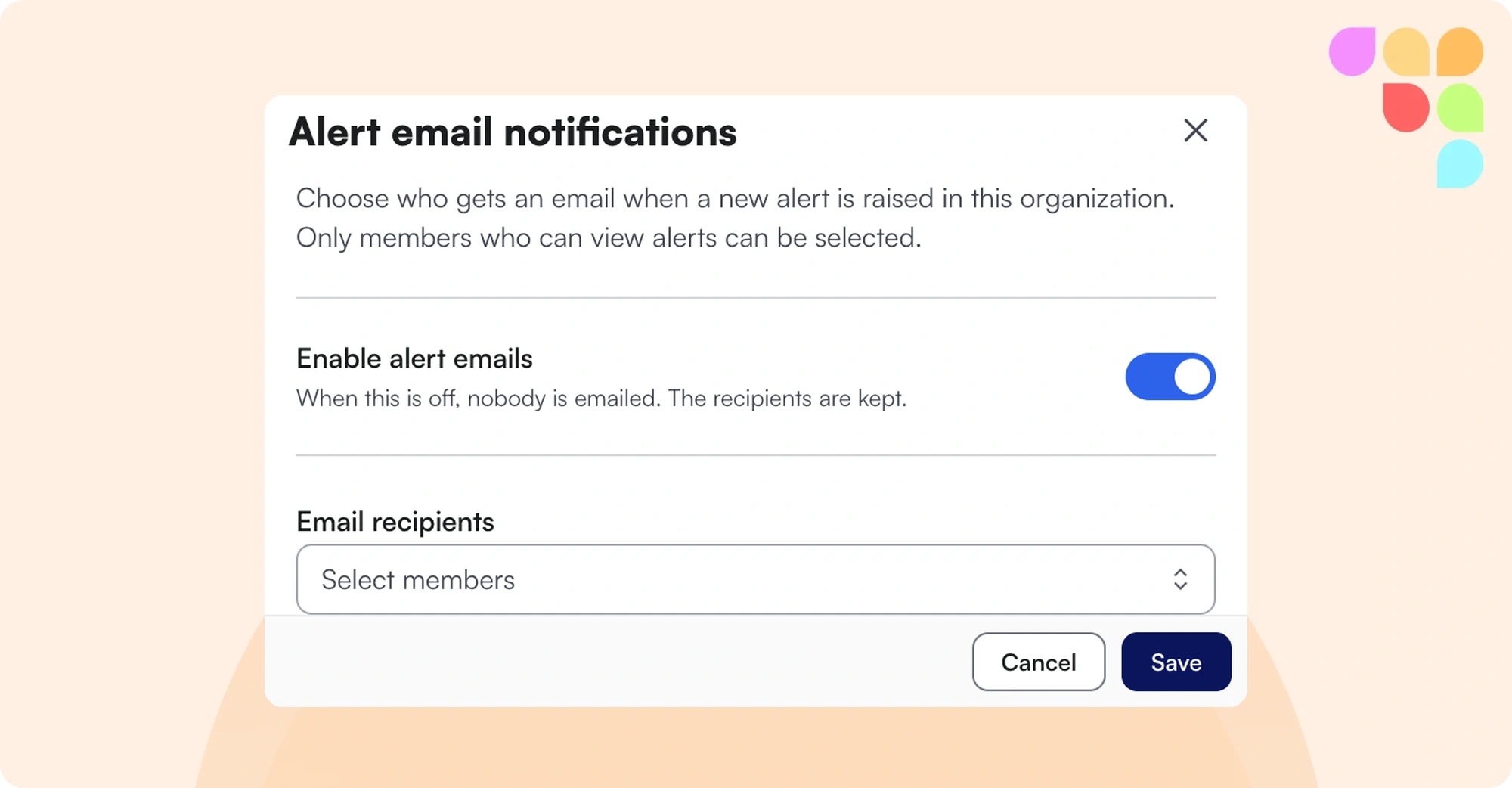
Admins can now receive new admin alerts by email instead of only seeing them in the admin panel. Select the settings icon on the Alerts page, turn on email notifications, and choose which organization members should receive them. Each email links straight to the alert. Emails are off until an admin turns them on, and only members whose role lets them view alerts can be chosen as recipients. Admin alerts now also flag course content that Moodle or Brightspace refused to share with LearnWise, listing the affected courses, so LMS permission problems can be spotted and fixed sooner.
📄 How do I get admin alerts by email?
Version History for Feedback Comments
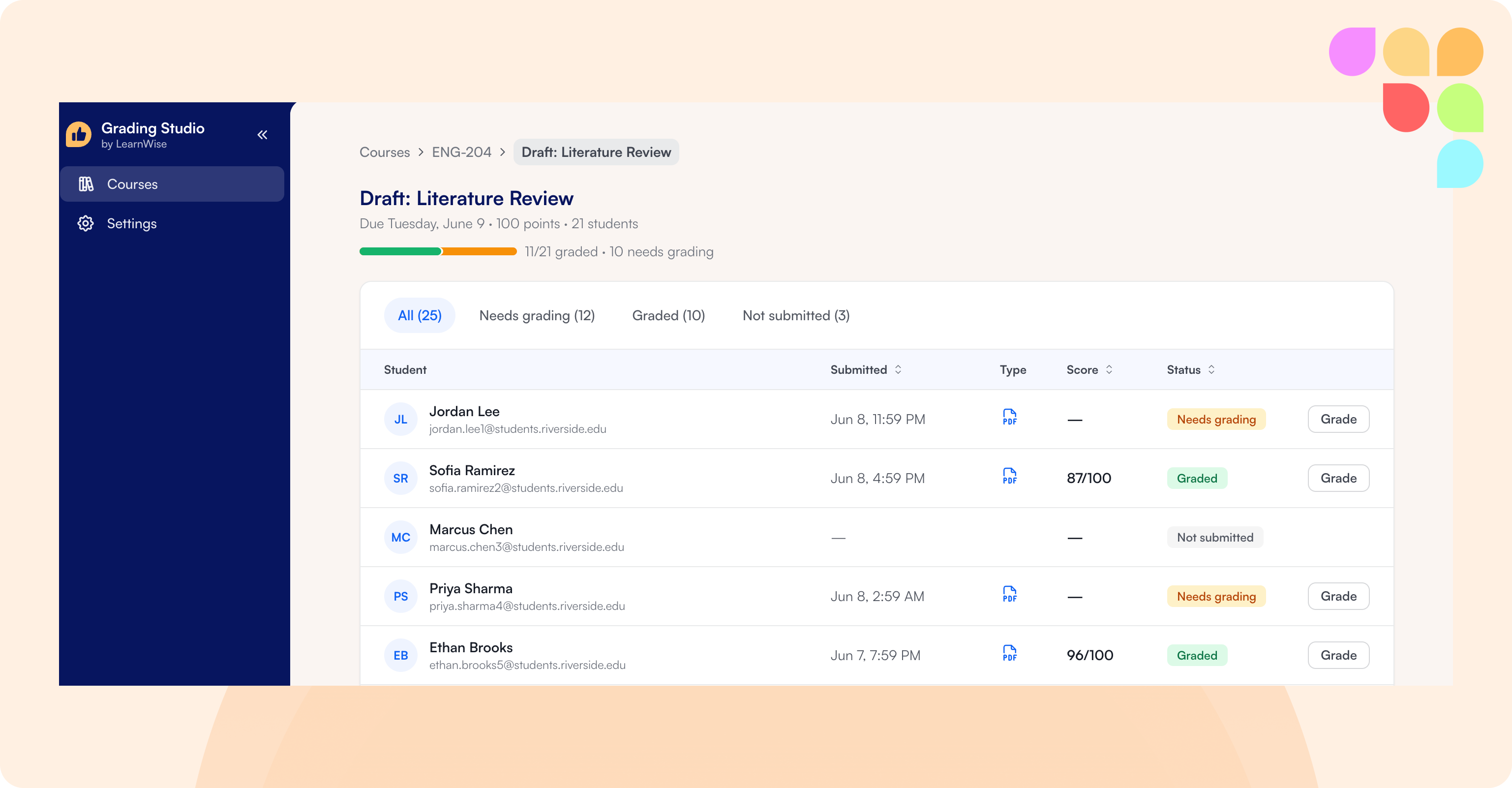
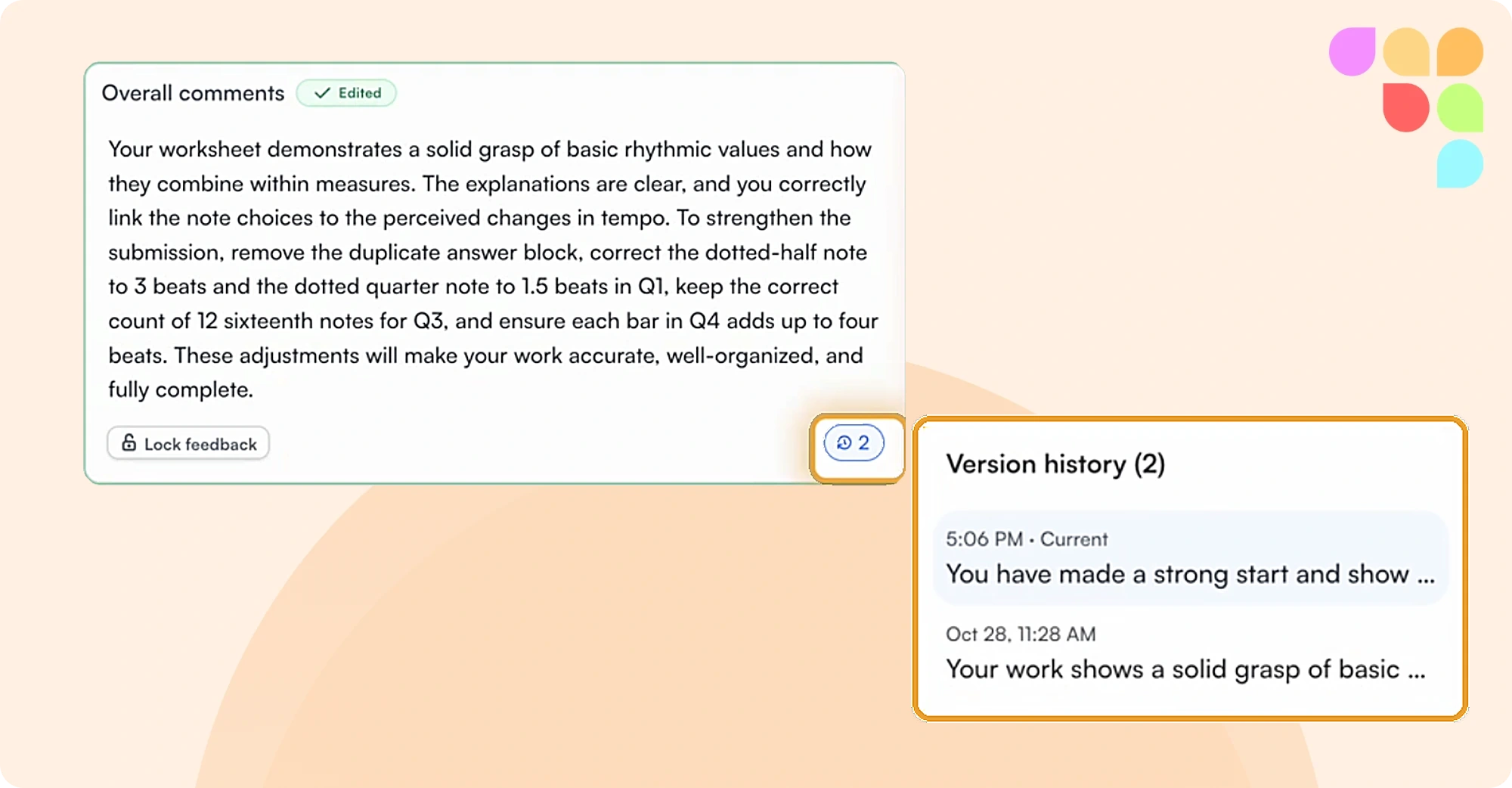
In Feedback, each comment box (the overall comment and every rubric criterion) now keeps a history of the AI texts written for it. Teachers can open the history beside the box and restore any earlier version, in both the LMS panel and Grading Studio. If you regenerate or adjust from an older version, LearnWise warns you before the newer versions are replaced. Your own typing is never overwritten without asking.
Academic Integrity Flow
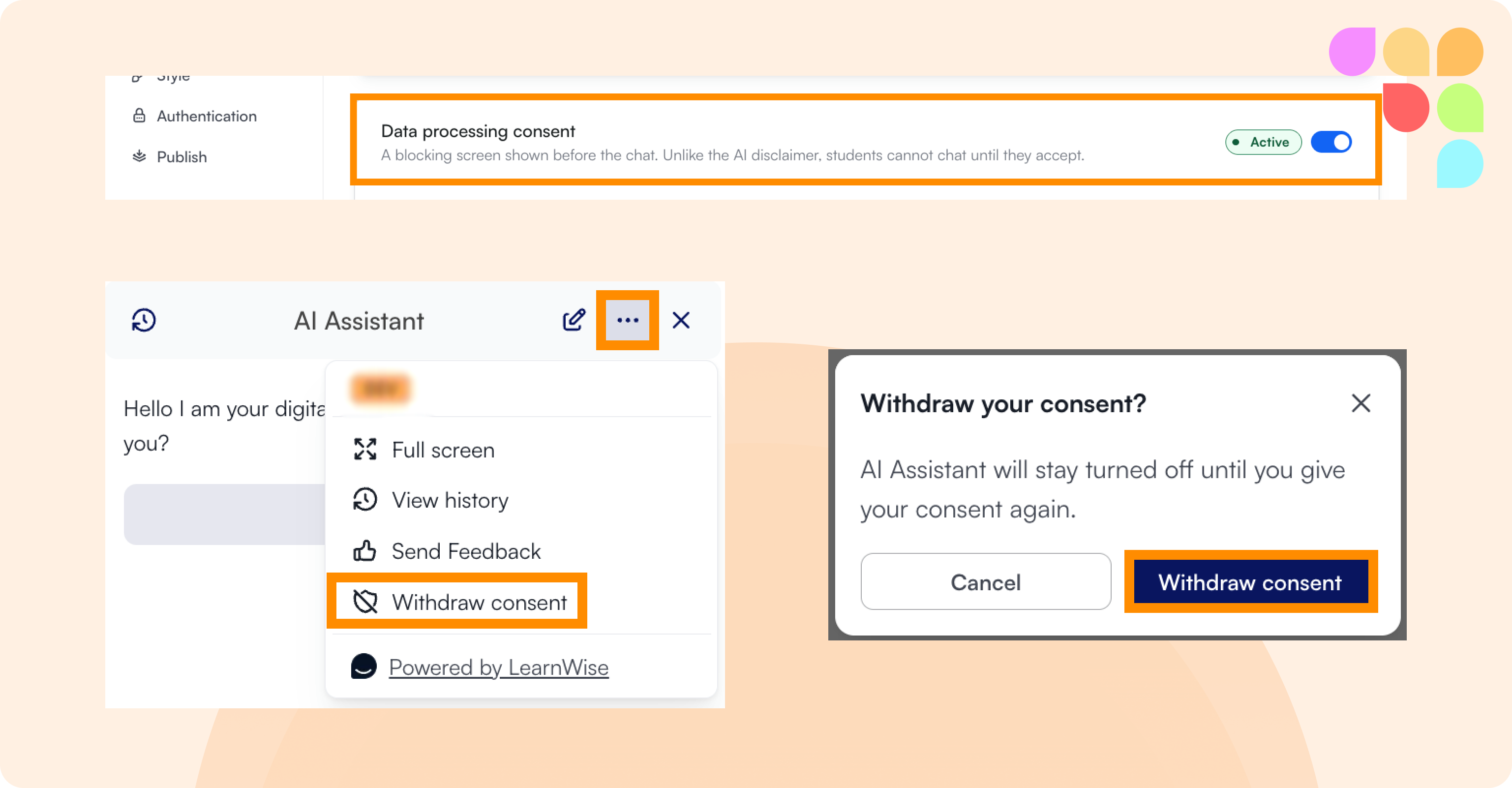
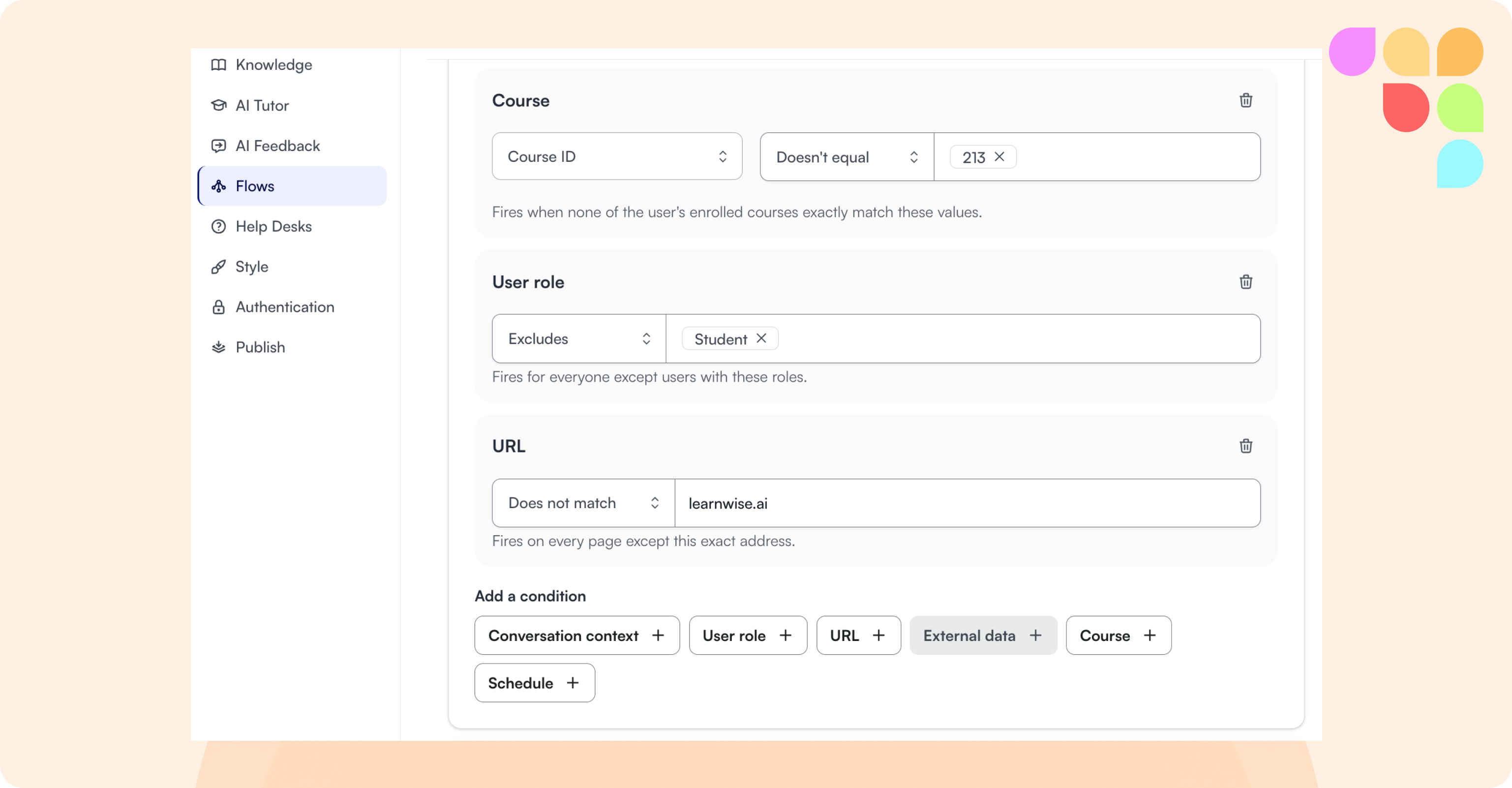
A new built-in Academic Integrity flow helps keep Chat and AI Tutor focused on learning. When it's on, the assistant recognizes requests to complete assessed work for the learner, such as essays, discussion posts, graded code, quizzes or exams, and politely declines. Instead, it offers to explain the concepts, help plan an answer or review the learner's own draft, replying in the learner's language. Learners can still ask for explanations, study materials, practice questions and step-by-step guidance as usual. Admins can find Academic Integrity at the top of Flows, where they can switch it on or off and customize when it applies and how it responds. For existing assistants the flow is off by default, so you can review it alongside your current settings before turning it on. For any assistant without an LMS connection, connecting a learning management system switches this flow on automatically.
🛠 Improvements
Flip Card Flashcards
Flashcards now work as flip cards. Learners think of the answer, turn the card, and mark whether they knew it, so a correct answer is no longer marked wrong because it was worded differently. The summary shows how many cards they marked as known, and Study Mode feedback focuses on the cards they didn't know. Flashcards created before this update keep working as they did.
Voice Mode Updates
Voice Mode now offers Spanish voices for Argentina, Mexico and Peru alongside Spain, as well as dedicated Welsh voices. Admins can listen to each voice and choose one under General settings → Voice mode. If a conversation switches to a different language from the assistant's, Voice Mode now answers with a voice of the same gender in that language. All voices now add the machine-readable marking of AI-generated audio that the EU AI Act requires from 2 December 2026. Assistants that had chosen one of the earlier HD voices were moved to its closest matching voice automatically.
Rate a Conversation at Any Time
When conversation ratings are turned on for an assistant, learners can now choose Send Feedback in the chat menu to rate the conversation at any time, including changing a rating they gave earlier. In the Inbox, a conversation's rating and comment now appear in their own Rating section of the conversation details.
Certificate Sign-in for Microsoft Dynamics 365
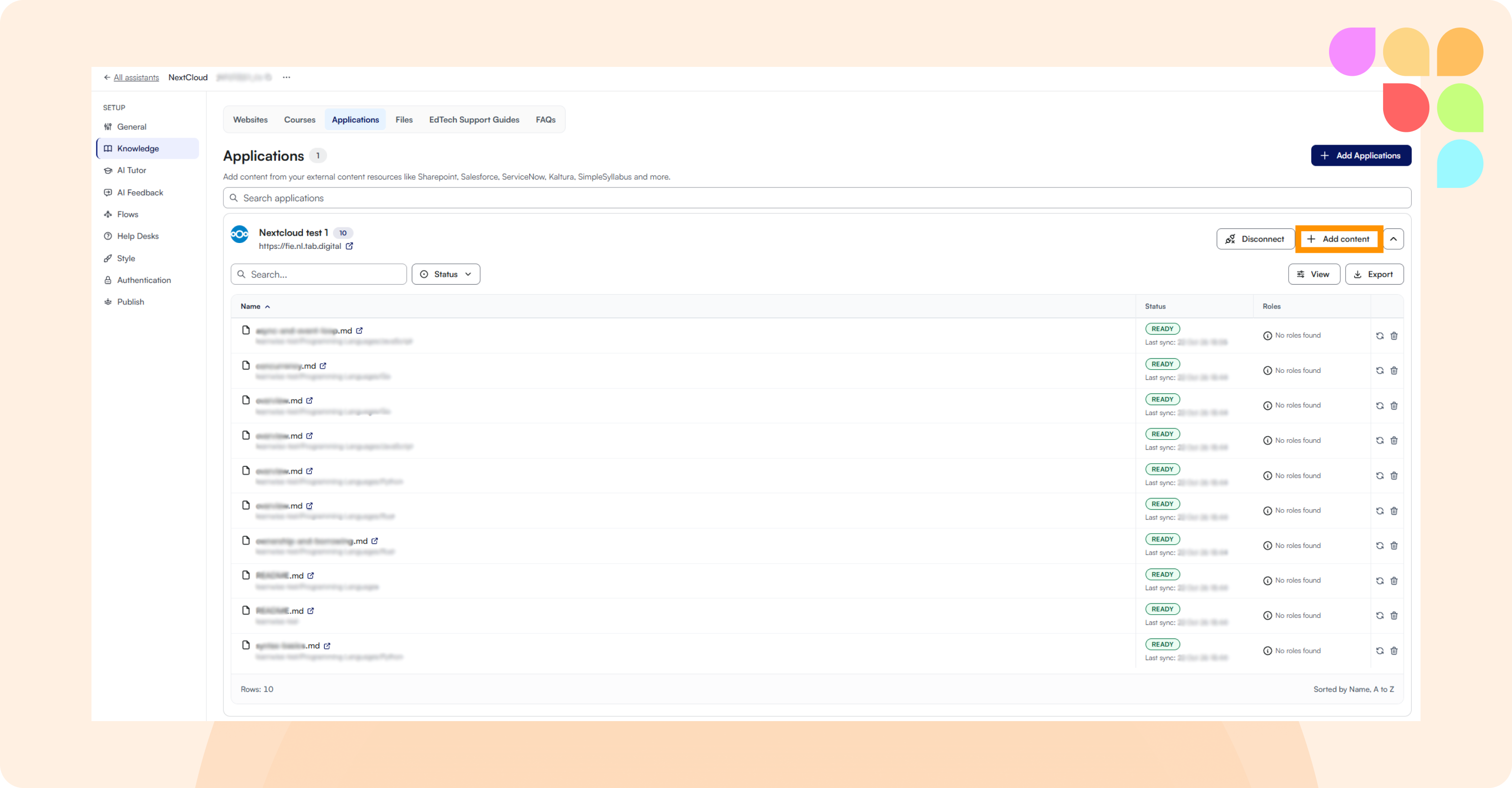
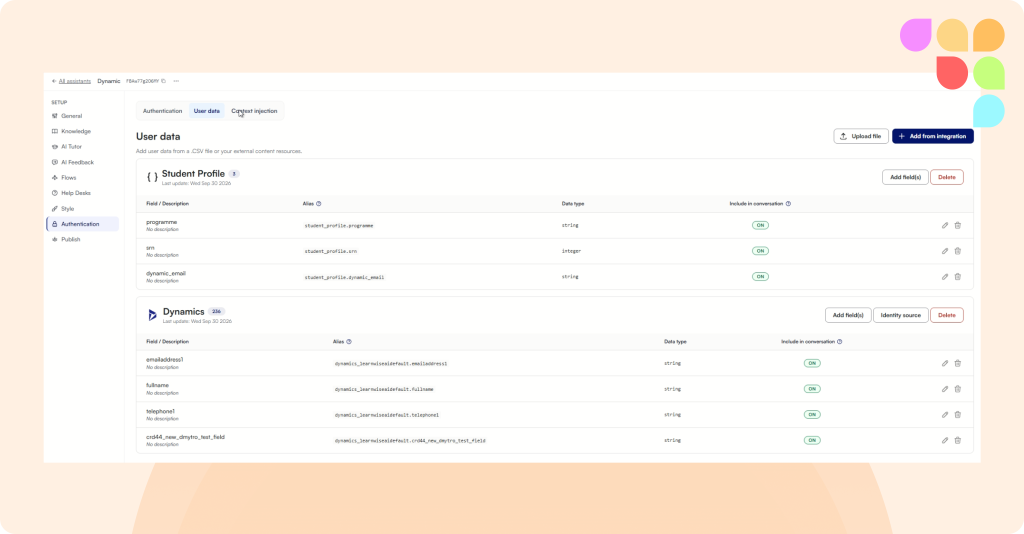
Microsoft Dynamics 365 connections can now sign in with a certificate instead of a client secret, for institutions whose security policy requires it. When entering Dynamics credentials (for a help desk, a user data source, or when editing an existing connection), choose Certificate. LearnWise creates the certificate, and you download it and add it to your app registration in Microsoft Entra. Client secrets keep working as before.
EU AI Act Readiness for AI Feedback
AI-generated text in AI Feedback that teachers and students read, including draft feedback, the thinking steps and grade explanations, is now produced by models that add the machine-readable marking of AI-generated text that the EU AI Act requires from 2 December 2026.
Accessibility
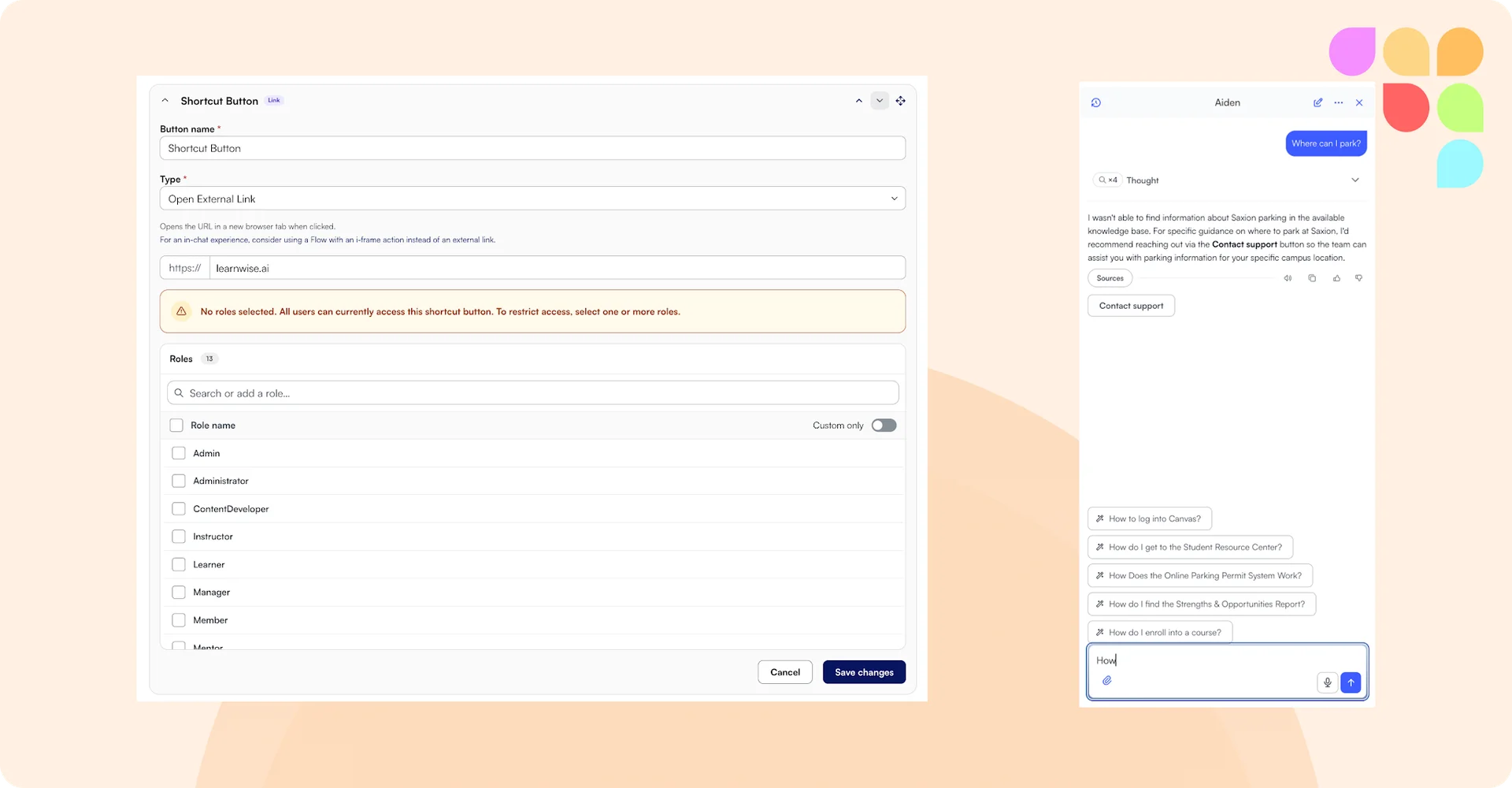
Following an accessibility review with one of our university partners, the chat now works better with assistive technology. Screen readers announce each finished answer once and in order, suggested questions are read out by their own text (including any math they contain), and the read-aloud button keeps keyboard focus so playback can be stopped from the keyboard. Answers appear in full straight away when reduced motion is turned on, the chat stays visible in Windows high contrast mode, and chat history stays readable at 400% zoom. In the admin panel, keyboard focus now stays in place after removing an item, closing a dialog or moving between table pages, and tooltips stay open while the pointer is over them.